Play now
Latest update: 100-gold upgrades, elite units, a story campaign and tactical recon. Solo and multiplayer in French or English; an account is optional to start playing.
Launch the game ↗ YSKILLSTUDIO
STRATEGY / IN DEVELOPMENT
Free · Solo and multiplayer · Player accounts available
Game available in French and English. Use the language selector in the game menu.
Solo and multiplayer · Keyboard, mouse and touch
Solo play, multiplayer duels and player accounts are available. Open the player profile in the game to sign in or create your account.
Also play on itch.io ↗
Saves are separate on each platform.
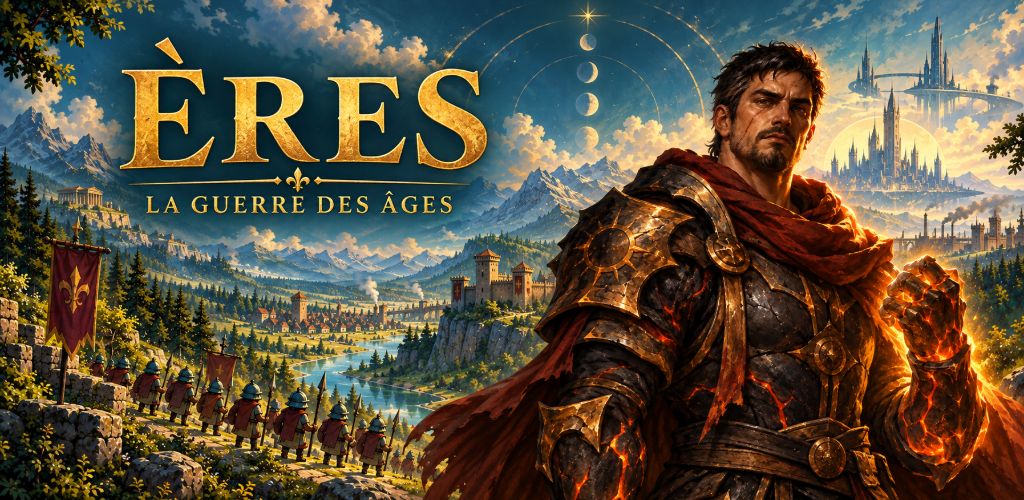
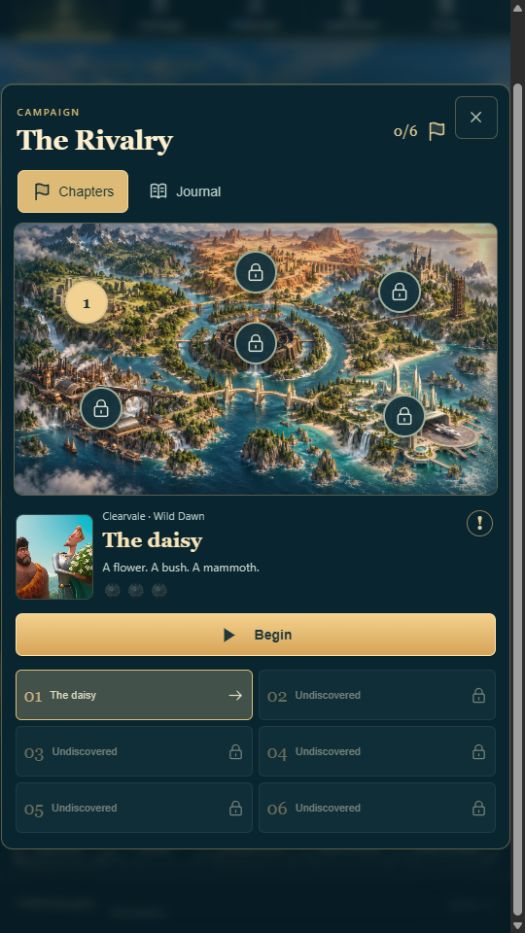
Build your defences, assemble an army and cross five ages. Discover The Rivalry, a six-chapter story campaign, and shape your strategy with 100 upgrades.
Latest update: 100-gold upgrades, elite units, a story campaign and tactical recon. Solo and multiplayer in French or English; an account is optional to start playing.
Launch the game ↗Open ÈRES 1.21.0 in your mobile browser: solo, multiplayer and player accounts, with touch controls.
Open the mobile version ↗Web version 1.21.0 runs on desktop without installation. Use your keyboard, mouse and full-screen mode.
Open the desktop version ↗Recruit your army, protect your stronghold and decide when to advance your civilization. In ÈRES, units move and fight automatically: you choose your forces, defenses and how to spend your gold.
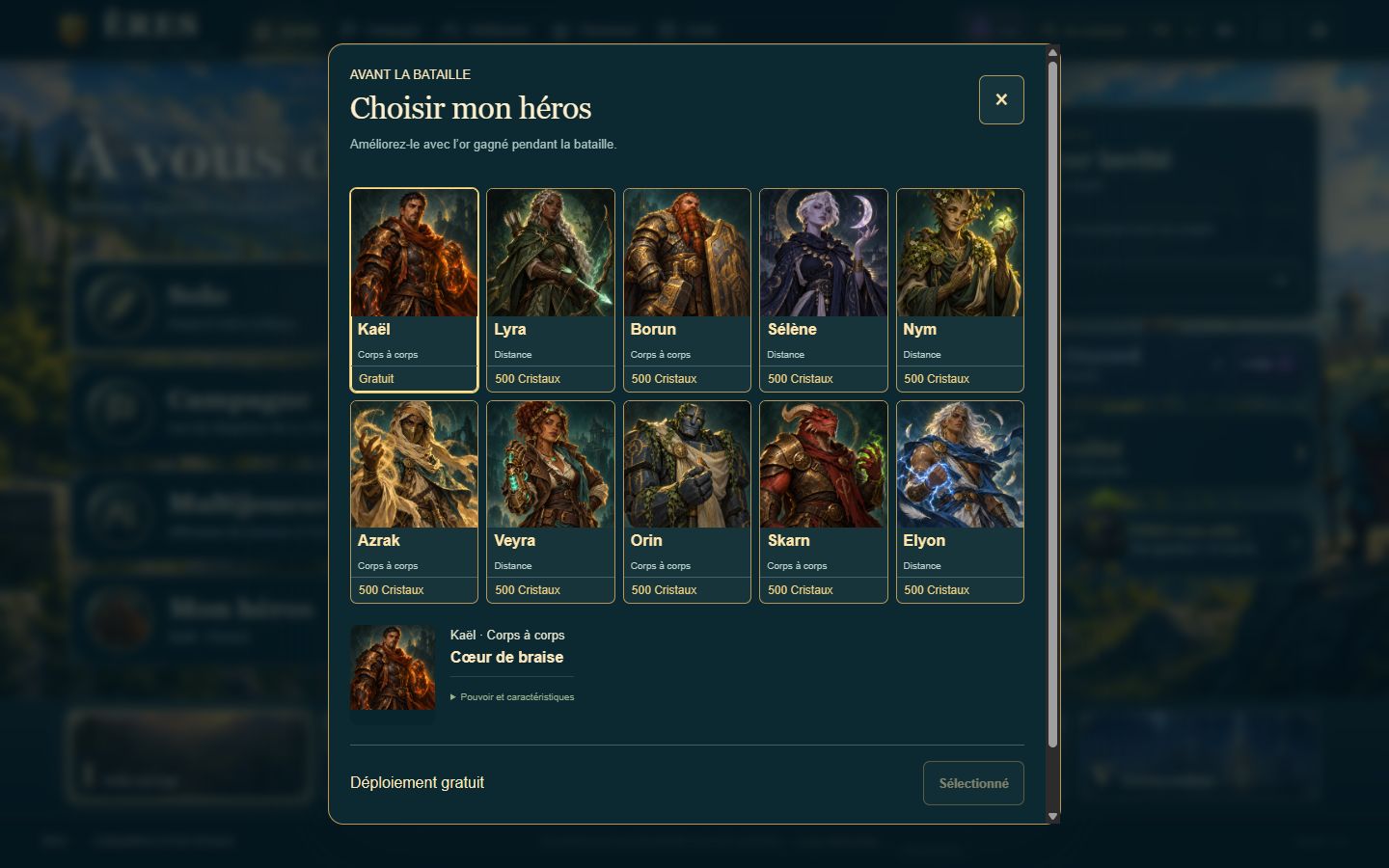
Kaël is free; nine other heroes unlock for 500 Crystals each. Choose your hero before battle and upgrade them with gold earned during the match. Their powers activate automatically when useful. All one hundred upgrades can appear from the start: choose an immediate advantage or prepare for the later ages.
Discover six chapters of The Rivalry, the story of Arok, Brann and Maëra. Face the AI at three difficulty levels, find an opponent in multiplayer or invite friends to a private room. Long and quick matches each have their own ranking.
Version 1.21.0 expands the battlefield, profiles and chat on mobile. Commands are organized into tabs and arsenal powers remain accessible below. Units are easier to see and strongholds have consistent heights. Available in French and English.
Play in your browser or find Android and Windows downloads on itch.io. The Google Play closed test is for authorized testers. Solo is available without an account; campaign saves stay on the device. Internet is required for online features and when starting the Android app.
Optional Crystal packs are offered in the game. On Android, an available ad or 5 Crystals recharge five matches. No ad interrupts a battle. The free daily wheel remains available to confirmed accounts; bonus ads in the browser depend on advertising service approval and availability.
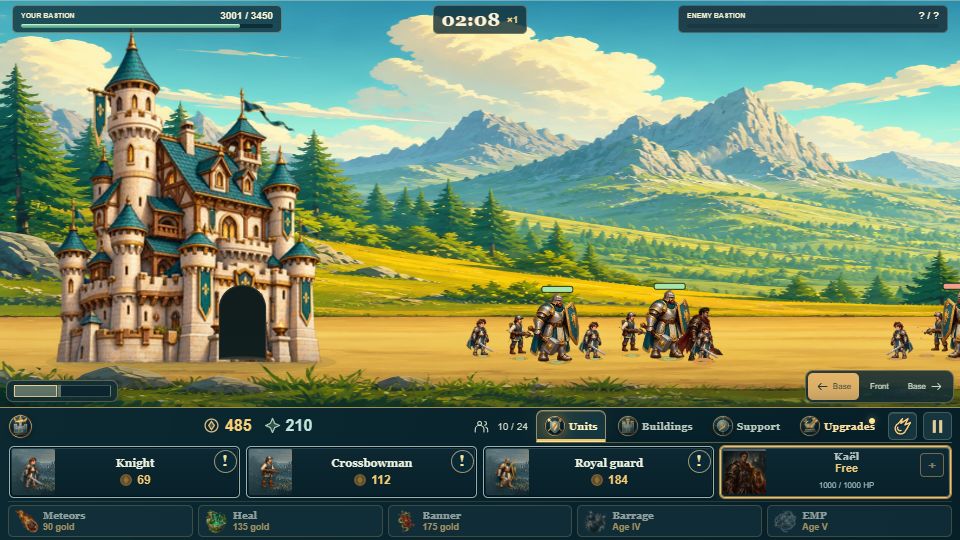
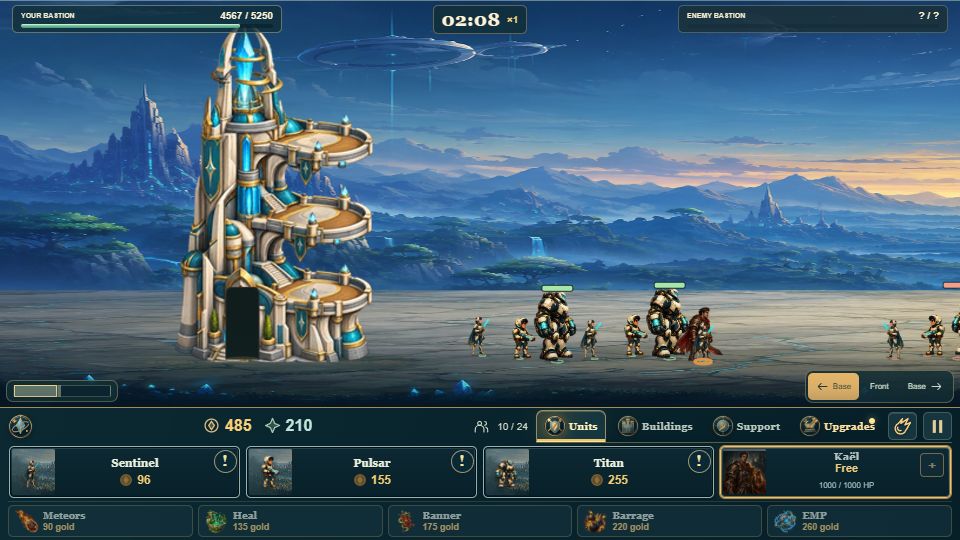
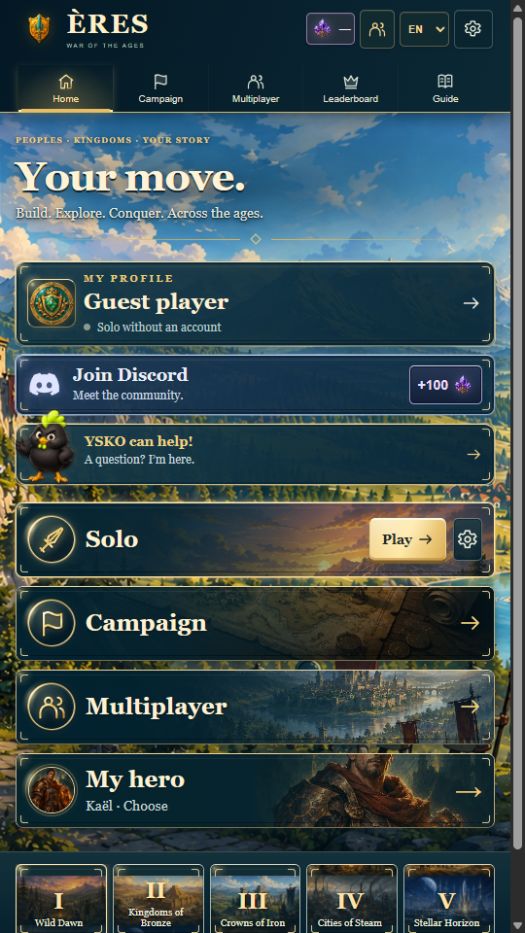
In ÈRES - War of the Ages, two strongholds face one another. Recruit units that advance and fight automatically, build turrets and choose when to evolve your civilisation.
Advance through five ages: Wild Dawn, Kingdoms of Bronze, Crowns of Iron, Cities of Steam and Stellar Horizon. Build your army from fifteen units spanning melee, ranged and heavy roles.
Fog of war hides unexplored areas. Advance your units or send aerial scouts to locate the enemy stronghold. Explored terrain stays on your map; drag with your mouse or finger to move the camera.
The campaign features six battles. Skirmishes offer three difficulty levels and two formats: long or quick. Long matches have no time limit; the simulation speeds up after five minutes. Quick matches start at ×2 speed and strongholds begin taking attrition damage after five minutes. Your single-player progress is saved on your device.
Meet Ysko, YSkill Studio’s mascot, on the game’s home screen. He shares tactical tips on getting started, defending, attacking turrets and managing your gold. The menu also includes a Guide and interactive introductions to fog of war and reconnaissance.
Open the player profile. You can sign in with Google, Facebook or Discord, or create an email account and follow the verification link you receive. Available options are shown in the game.
The current version uses the ÈRES Arena address. Previous local saves on the studio website are neither erased nor automatically transferred. Open the previous solo version 1.7.1.
No. Click “Play ÈRES” to load version 1.21.0 in your browser. You can try solo play without an account and create one from the player profile to access your profile and rankings.
Use the touch controls in web version 1.21.0. Try landscape orientation and the full-screen button. “Open the game” also lets you play directly on ÈRES Arena.
Solo progress remains saved in the browser on this device and for the game address you use. A player account provides your profile and online features; it should not be confused with automatic syncing of the entire solo campaign.
Open “Multiplayer” to create or join a room, or “Leaderboard” for ranked duels. The game uses the ÈRES Arena server. An Internet connection is required, and matchmaking depends on available players.
Use an Internet connection to open the online version and load its resources. Multiplayer, account creation, sign-in and community features require Internet access.